

Label-Einstellungen
Verwende Labels in deinem Projekt, um Ressourcen (z. B. Screenshots, Zeichenfolgen usw.) einfach nach bestimmten Themen zu organisieren. nach bestimmten Themen. Sobald du Labels hinzugefügt hast, kannst du Elemente nach diesen Labels filtern. Wenn du bereits Labels für deine Quellzeichenfolgen verwendest, kannst du dieselben Labels für Screenshots verwenden.
Führe die folgenden Schritte aus, um Projektlabels zu erstellen, zu bearbeiten oder zu entfernen:
- Öffne den Tab Einstellungen deines Projekts.
- Wähle den Bereich Labels aus.
- Füge auf dem angezeigten Bildschirm neue Labels hinzu und bearbeite oder entferne vorhandene Labels.
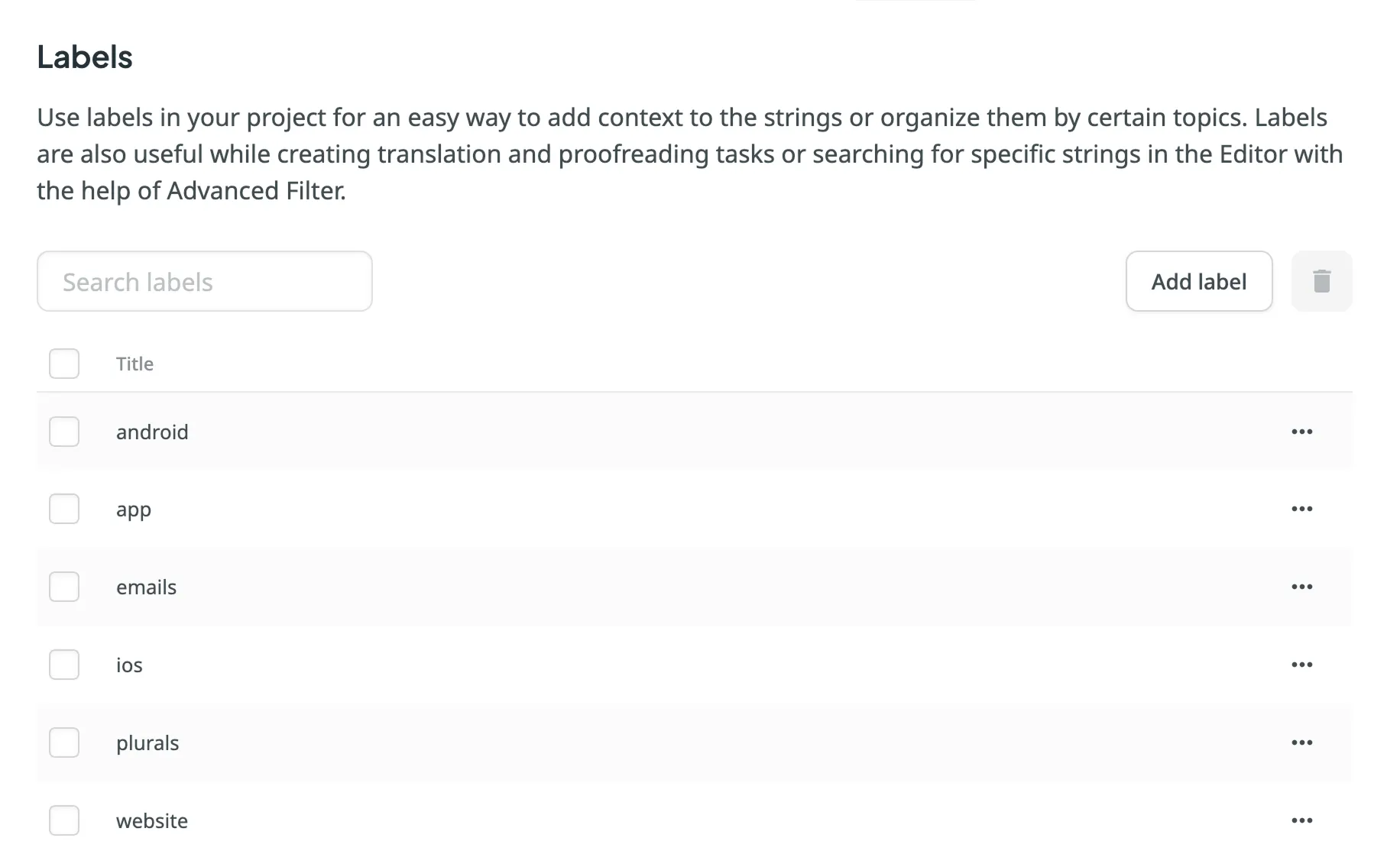
Um ein Label zu bearbeiten oder zu entfernen, klicke auf beim gewünschten Label und wähle die entsprechende Aktion aus. Verwende das Feld Suchen über der Labelliste, um bestimmte Labels schnell zu finden.
Vielen Dank für dein Feedback!