

User Access Tokens
Este conteúdo não está disponível em sua língua ainda.
Translate in CrowdinAs an organization owner or admin, you can view and manage all personal access tokens (PATs) created by your organization’s members from a single, centralized page. This allows you to monitor API usage and enhance security by revoking tokens when necessary.
To manage access tokens of your organization, go to Organization Settings > User access tokens.
The User access tokens page displays a list of all active personal access tokens within your organization.
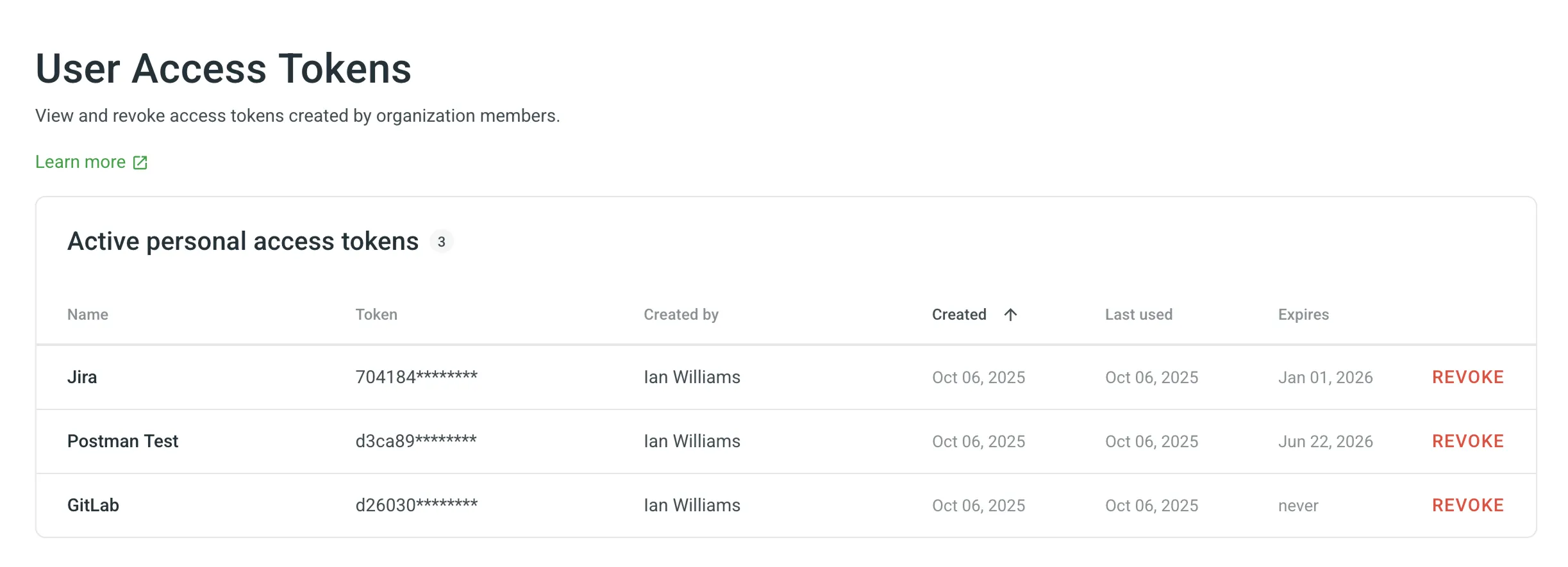
The table provides the following information for each token:
- Name: The descriptive name given to the token upon creation.
- Token: A partially masked version of the token for identification.
- Created By: The organization member who generated the token.
- Created: The date the token was created.
- Last used: The date the token was last used to make an API request.
- Expires: The token’s expiration date. A value of “never” indicates the token does not expire.
You can revoke any member’s personal access token at any time. This is useful if a token is compromised, associated with a former employee, or no longer needed.
To revoke a token, follow these steps:
- Go to Organization Settings > User access tokens.
- Find the token you wish to revoke in the list and click Revoke next to it.
Read more about Access Tokens.